 Ptah
PtahAn AI Agent That Waits for Your Approval
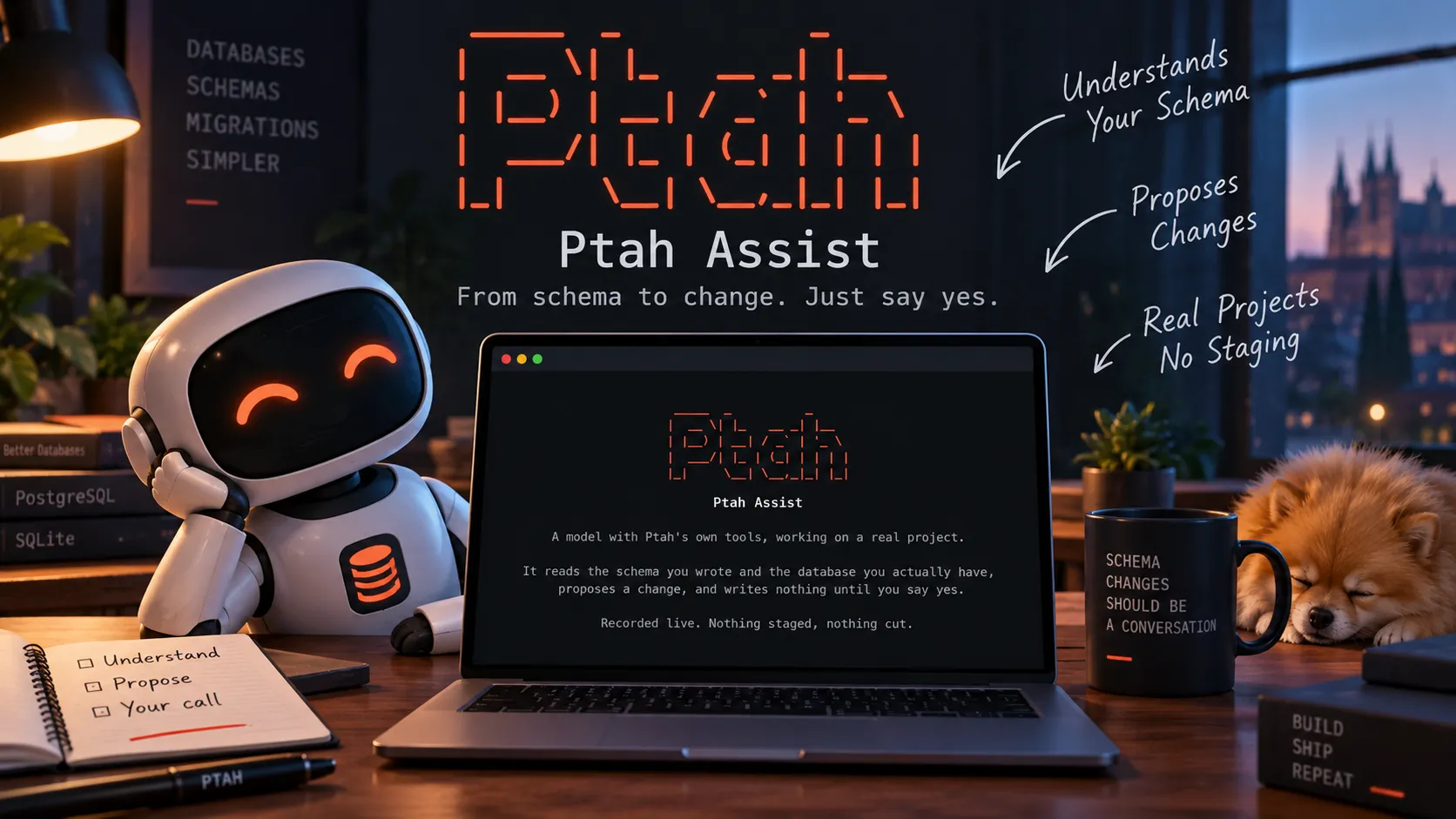
A screencast of Ptah Assist: a model using Ptah's own tools to propose a schema change, with every write held until it is approved.

There are three ways to let a model change a database schema, and the choice decides what you have to trust.
The first is to let it write SQL and run it. This is the fastest to build and the hardest to review: what arrives is a statement, and the only way to know what it does is to read it. The second is to give the model a shell and a repository. That scales to anything, which is the problem: the blast radius is the filesystem, and an approval approves a command rather than a change.
The third is the one we built. The model gets the operations Ptah already has, each behind a permission, and every write is a patch against a digest you approve. The constraint that makes it fit: a schema change is not free text. It has a known shape, a target dialect, and checks that can run before and after it lands. An operation that knows those things can describe what it is about to do. A shell command cannot.
We recorded the result. Ptah Assist: An AI Agent for Database Schemas and Migrations is on our YouTube channel. It runs under three minutes and covers one session end to end: the configuration it starts from, the tools it can call, a schema change, the migration for it, and the trace of everything that ran.
The configuration comes first
Section titled “The configuration comes first”The session opens on the provider profile, because that is where both questions
are answered. A profile names an endpoint, a model, and a credential
reference, either env:NAME or file:/path. Ptah refuses a key written
into the profile, so there is never a copy of one in a file you might share.
The command that follows carries the rest of the boundary. It names the workspace, the target dialect, the directories the assistant may read, and the artifact classes it may write to. Nothing outside those is reachable.
Eleven operations, all of them Ptah’s
Section titled “Eleven operations, all of them Ptah’s”/tools lists what the model can call. The model does not write SQL and hope.
It asks Ptah to read the declared schema, read the live database catalog,
compose a patch, render DDL for a dialect, and validate. What comes back is
Ptah’s answer rather than the model’s recollection of one.
The distinction shows up in the footer we print under every answer. It reports how many tool calls ran, and how many bytes of project content reached the provider. An answer with no tool behind it looks exactly like a verified one, and that line is the difference.
The approval names the patch
Section titled “The approval names the patch”Ptah is asking for artifact.write:schema.
apply a 1-file patch to the schema artifact artifact: schema directory: /home/developer/projects/ptah-assist-lab/workspace/schema base digest: sha256:c2faa21a30324714af7e7de289200af7f5a84908223ba1cba094b4a9 result digest: sha256:b02e120da7ea70fbd48e4908f7aeaa45abc4f8d2f87be9da88c61e update: schema.yaml
This approval covers exactly sha256:0dc192a72d9468887c3295c6e595fe8976a2186497
Allow once Allow for this session> NoThe prompt names the artifact class, the directory, the file, and the digest the patch was composed against. Approving it approves that patch and no other. If the file moves underneath the token, the digest stops matching and the apply is refused rather than replayed against something else.
After the write lands, Ptah runs its own gates over the result and reports which passed. The migration goes through the same sequence.
The refusal we left in
Section titled “The refusal we left in”Near the end, with the tool trace on, one call is refused:
refused render_schema schema_source_unreadable: error parsing schema file: schema file does not exist...ok render_schema dialect="sqlite" statements=["CREATE TABLE \"users\" (\n \"id\"...The model named a path the schema reader could not open. Ptah refused, said why, and the model called it again with a path that worked.
We left it in because it is the mechanism working. A recording in which nothing is ever refused demonstrates editing rather than a product. A refused call with its reason beside it explains the trace better than a paragraph about the trace would.
Where the evidence stops
Section titled “Where the evidence stops”The model is one we host privately for research. Its name and endpoint in the recording are placeholders, consistently replaced, so the session cannot be reproduced against the same model. The shape of it reproduces against any OpenAI-compatible endpoint you can reach. The profile in the recording lists three, and one of them runs on the machine and carries no credential at all.
The workspace is SQLite and its schema is YAML. Ptah reads a desired schema from SQL, YAML, HCL, and DBML as well as from Go annotations, so nothing in the session depends on a Go project. We chose it deliberately. The recording is about the surface, not about one of its front ends.
The session does not apply a migration to a database. That capability was not granted, and the model reports it when asked what it can reach: “No row reads, no SQL execution, no migration applies (all denied).” The migration is written to a file and left there.
The interactive terminal in the recording is newer than the current release. The permission model it shows is not: scoped artifact classes, a preview, and an approval per patch are what Ptah 0.7.0 already does.
Watch it
Section titled “Watch it”Ptah Assist: An AI Agent for Database Schemas and Migrations
To read the mechanism rather than watch it, ptah assist context prints what a
question would send before anything is sent, and /trace inside a session
prints what every tool call returned.